
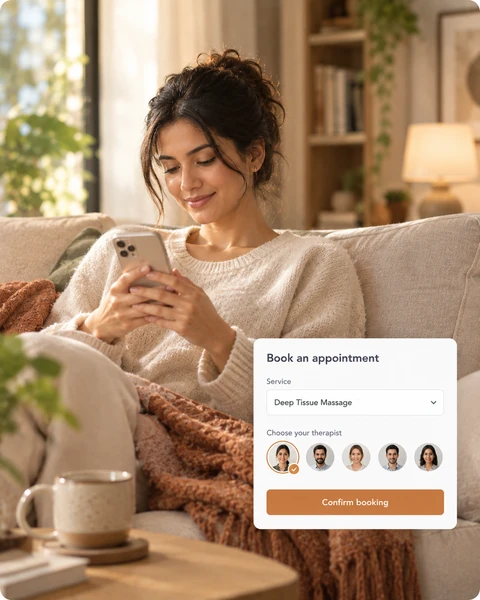
To get found on Google as a salon or spa in Nepal, set up and verify your Google Business Profile, fill in every detail, add real photos and services, collect reviews, and link it to an online booking page so people can book from the listing.
1. Claim and verify your listing
Search for your business on Google and Maps. If it does not appear, create it, then verify it so you control the details.
2. Use your exact name, address and phone number
Use the same name, address and phone number everywhere: your profile, website and social pages. For areas where addresses are hard to describe, add a clear landmark in the description.
3. Choose the right category and list services
Pick the category that matches what you mostly do, such as spa, hair salon or beauty parlour. Add your main services with short descriptions.
4. Add real photos
Show your entrance, rooms, chairs and finished work. People choose a place they can picture themselves in.
5. Ask for reviews, and reply to them
Reviews help people decide. Ask clients right after a visit and reply politely to every review, including the poor ones. Outreach can ask clients for reviews, available on request.
6. Link a booking page
A listing that only shows a phone number loses people who do not want to call. Add an online booking link, and use the same link on Instagram and WhatsApp. See online booking, read the online booking guide and why to stop taking bookings on WhatsApp.
7. Keep it current
Update opening hours for festivals such as Dashain and Tihar. See how to prepare for festival bookings.
Try the free Zennly demo and get a booking link for your profile.
Common questions
What is a Google Business Profile?
It is the free listing that appears on Google Search and Maps when someone looks for your business. It shows your name, address, hours, photos, reviews and a link to your website or booking page.
How do I get my salon or spa to show on Google Maps in Nepal?
Create and verify a Google Business Profile with your exact name, address, category and phone number, then keep the details and photos up to date.
Can I add a booking link to my Google Business Profile?
Yes. You can add your website or booking link to your profile. Zennly gives you an online booking link you can use there and on social media.
How do I get more Google reviews?
Ask happy clients right after their visit, and make it easy by sending the review link. Zennly outreach can ask clients for reviews, available on request.
Do I need a website to appear on Google?
A profile alone can appear, but a booking link or website gives people a way to book from it.