Salon management software runs the daily work of a salon in one system: online bookings by stylist, staff schedules, payments, discounts and reports. For salons with more than one location it also shows every site in one place. This page explains what it is and how a day runs on it — if you are deciding which one to buy, read the salon software buyer's guide instead.
What salon management software does
It replaces the paper appointment book, phone calls and chat messages with one calendar. Clients choose a service, a stylist and a time, the slot is held, and the front desk, managers and owner all see the same day. Payments and discounts are recorded against each booking, so the end of the day is a check, not a search.
The word "management" is doing real work in that phrase. A booking tool stops at the calendar. Management software carries the booking through to the money: who delivered the service, what was charged, how it was paid, what was discounted and who approved it.
A salon day, from opening to close
This is the part that is hard to picture from a feature list, so here it is in order.
Opening
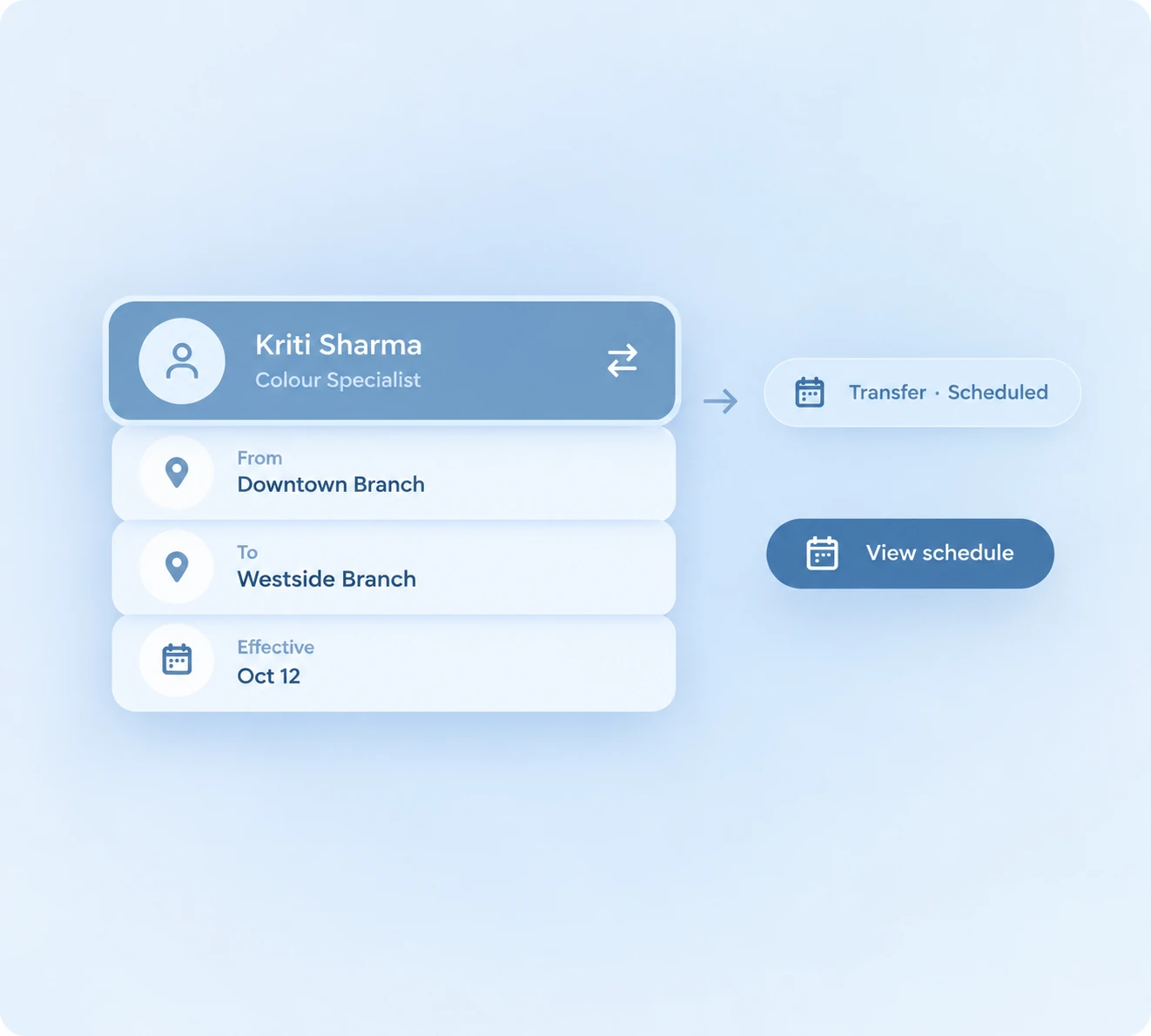
The front desk opens the day's calendar and sees every stylist's column: who is in, who is on leave, who is covering a shift at another branch. Staff mark themselves present. Nobody rings the owner to ask who turned up.
During the day
Bookings arrive two ways. Clients book themselves online, choosing a service and a stylist, and the slot is held the moment they confirm. Walk-ins are added by the front desk against a free stylist. Either way the system refuses a clash, so the same stylist cannot be promised to two people at once — the mistake that costs a salon a client rather than a slot.
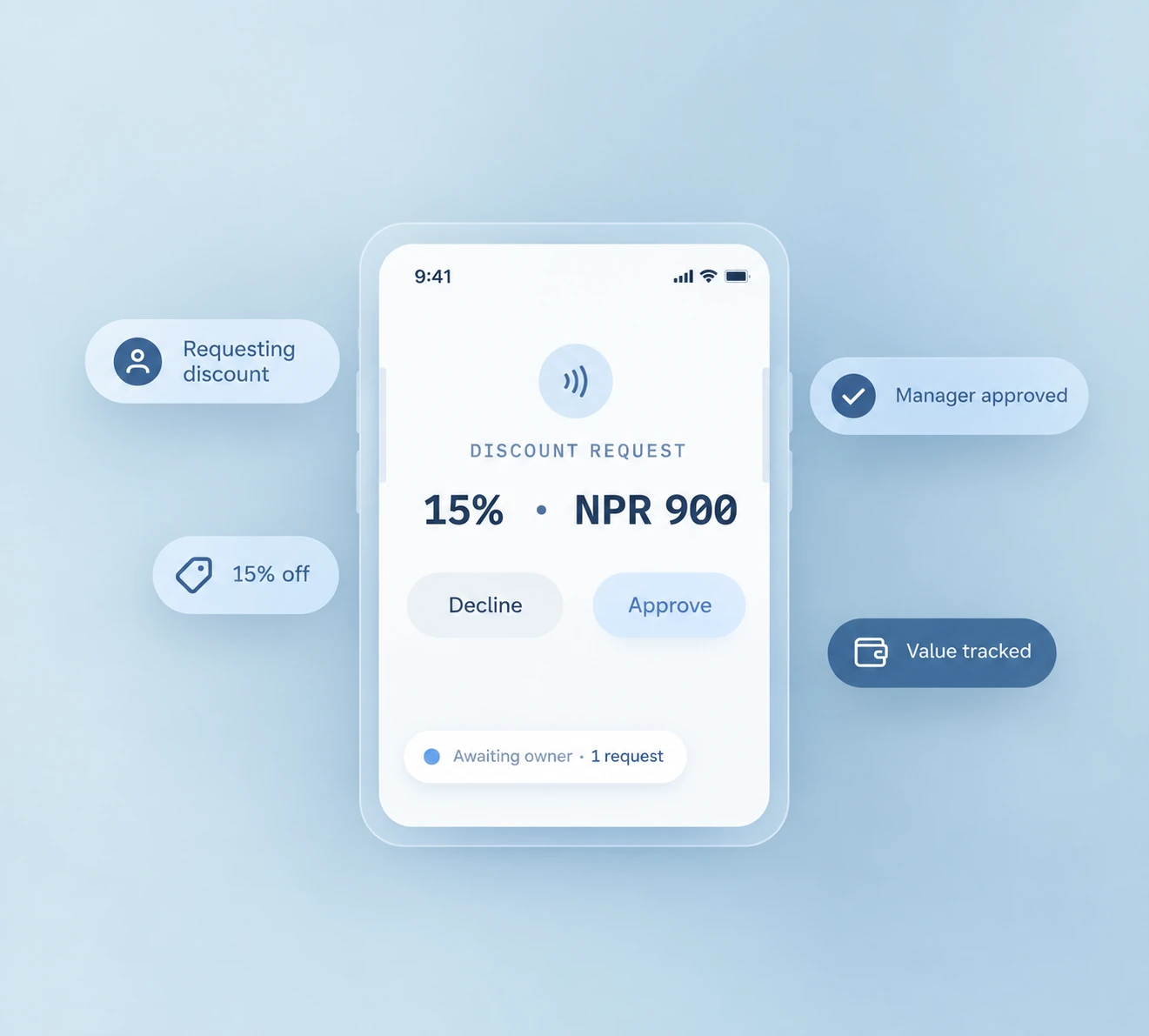
As each client leaves, the payment is recorded against their booking by method: cash, card or online. Part-payments are recorded as part-payments. If a stylist wants to give a discount beyond their limit, the request goes to a manager and the approval is recorded with it.
Closing
The daily close compares what was booked, what was delivered and what was collected, per branch. Because each payment was recorded as it happened, this is a short check rather than an evening of counting slips and asking people what they remember. Where the numbers disagree, the booking that caused it is named.
What it looks like across the month
The daily records add up into the things an owner otherwise reconstructs by hand: revenue by branch, which stylists are busiest and which services earn most, how much went out in discounts and who approved them, and how many hours each staff member actually worked. That last one feeds commission and monthly payroll, which is the job most salon owners lose days to.
One salon or several?
A single salon can run on a simple calendar. Once you have a second location, the problems change: branches promise the same stylist, prices drift, discounts go unrecorded and the owner cannot see yesterday's numbers without phoning each manager. If you plan to grow, choose software that handles multiple locations from the start. See our guide to multi-location booking software.
What it does not do
Being clear about this saves a wasted demo. Zennly records what was charged and how it was paid against each booking; it is not a POS, and it does not issue tax invoices or handle billing compliance. Outreach to clients is by email as standard, with SMS and WhatsApp available on request rather than switched on by default. There is no Khalti or eSewa integration and no open API today.
Salon, hair salon or beauty parlour?
These are the same kind of business. 'Salon' is the common word in the USA, UK, Canada, Australia and the UAE, while 'beauty parlour' is common in Nepal and South Asia. The software works the same way — though parlours run a different service mix, which is covered in beauty parlour software in Nepal.
Where Zennly fits
Zennly is built for salons with several branches that need one booking calendar, staff transfers between locations, discount approval and a daily close. If you only need a simple calendar for one chair, a lighter tool may be enough. See how Zennly works for salons.
Common questions
What is salon management software?
It is software that runs a salon's bookings, stylist schedules, payments, discounts and reports in one system, replacing paper appointment books and chat messages. Every role works from the same calendar, so the front desk, managers and the owner see the same day.
Is salon booking software the same as salon management software?
Booking software handles appointments. Management software also covers staff, payments, discounts and reports. Zennly includes both.
What does a salon actually do in the software each day?
Open the day's calendar, take bookings and walk-ins against a stylist and a time, record each payment by method as the client leaves, send any discount above a staff member's limit for manager approval, then run the daily close to check that bookings, services and payments agree.
Does salon management software replace a cash register?
Not in Zennly's case. Zennly records what was charged and how it was paid against each booking, which is what the daily close and the reports are built on. It is not a POS or a billing system.
Salon, hair salon or beauty parlour: does the software differ?
These are the same kind of business and the software works the same way. 'Salon' is the common word in the USA, UK, Canada, Australia and the UAE, while 'beauty parlour' is the usual phrase in Nepal and South Asia.
Related reading
- Best salon software in Nepal: how to choose the right one
- Salon and beauty parlour booking software
- Nail studio booking software: services, techs and soak-off time
- When salary calculation takes days: payroll for salons and spas
- Multi-location booking software: what to look for
- Glossary: salon management software
- Monthly payroll and commission
- Barbershop booking software