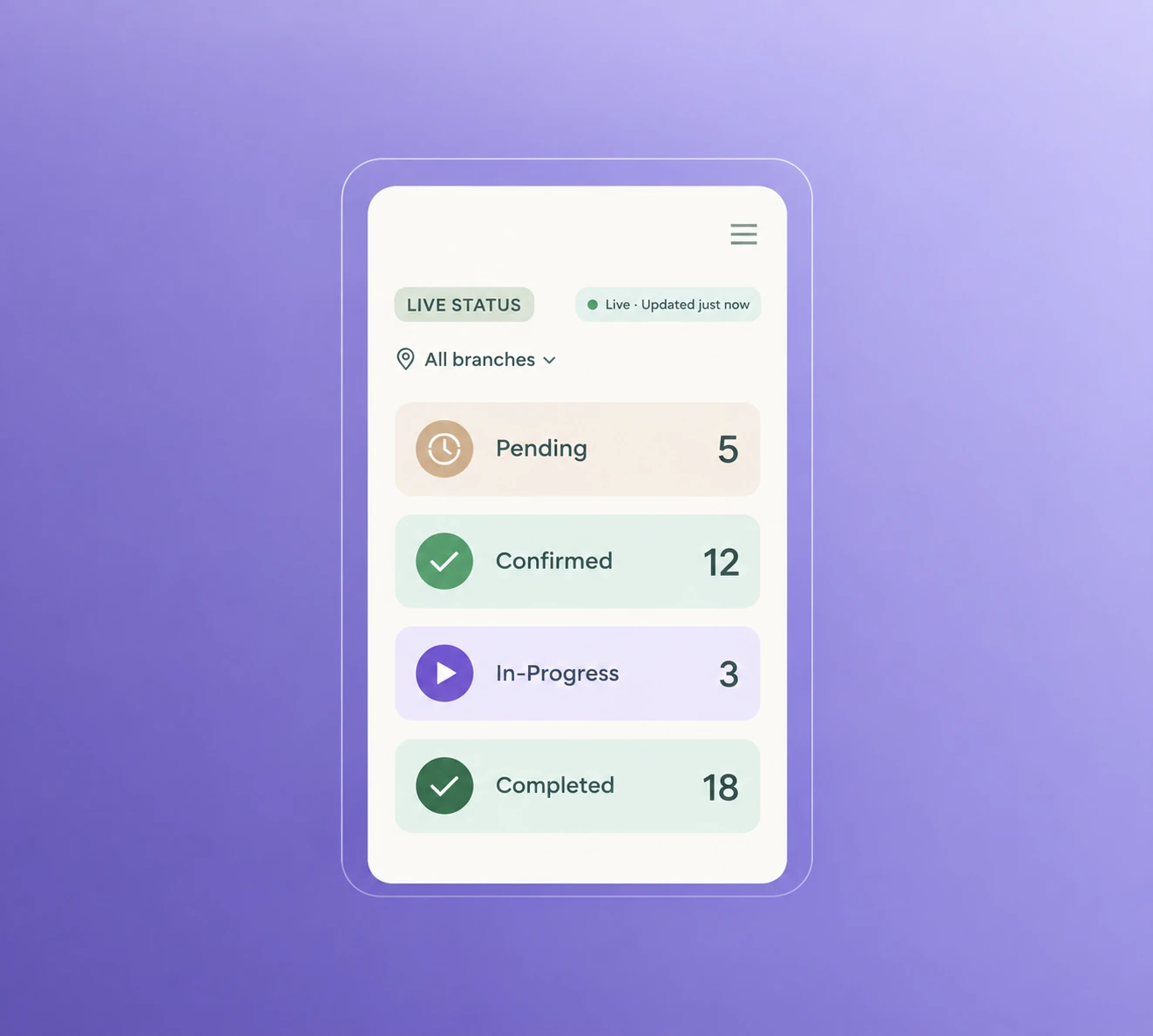
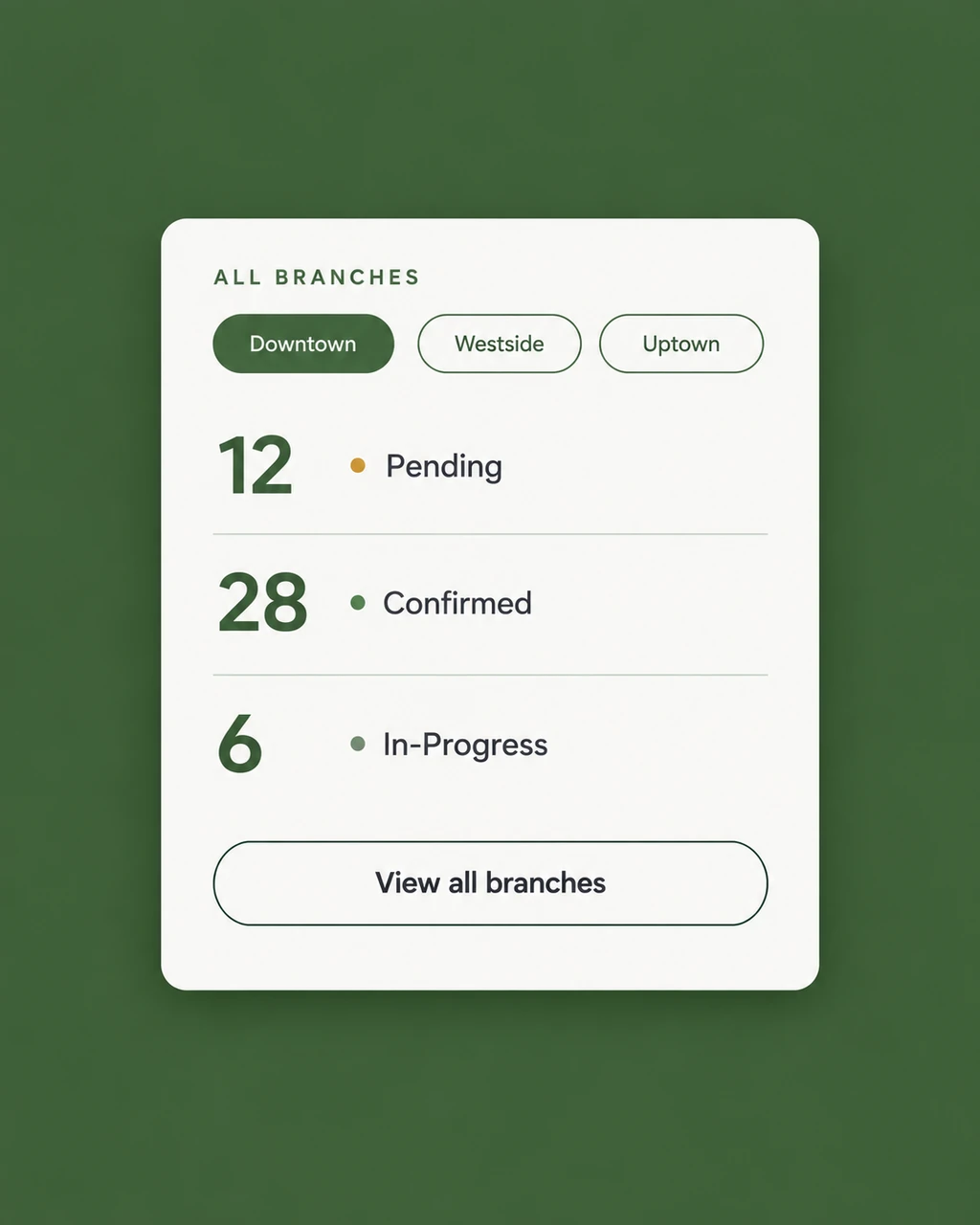
Staff scheduling software for a salon or spa in Nepal records when each stylist or therapist works and at which branch, makes them bookable only while they are on shift, handles transfers between branches and carries attendance into payroll. It replaces the WhatsApp roster and the shared spreadsheet.
With one branch, a whiteboard roster can work. With two or more, staff cover each other, shifts change at short notice and the person taking bookings does not always know who is in. That is where bookings go wrong.
Schedules that drive booking
If the schedule and the booking calendar are separate, clients get booked with someone who is off. When the schedule is the source of truth, only working staff can be booked. See staff management.
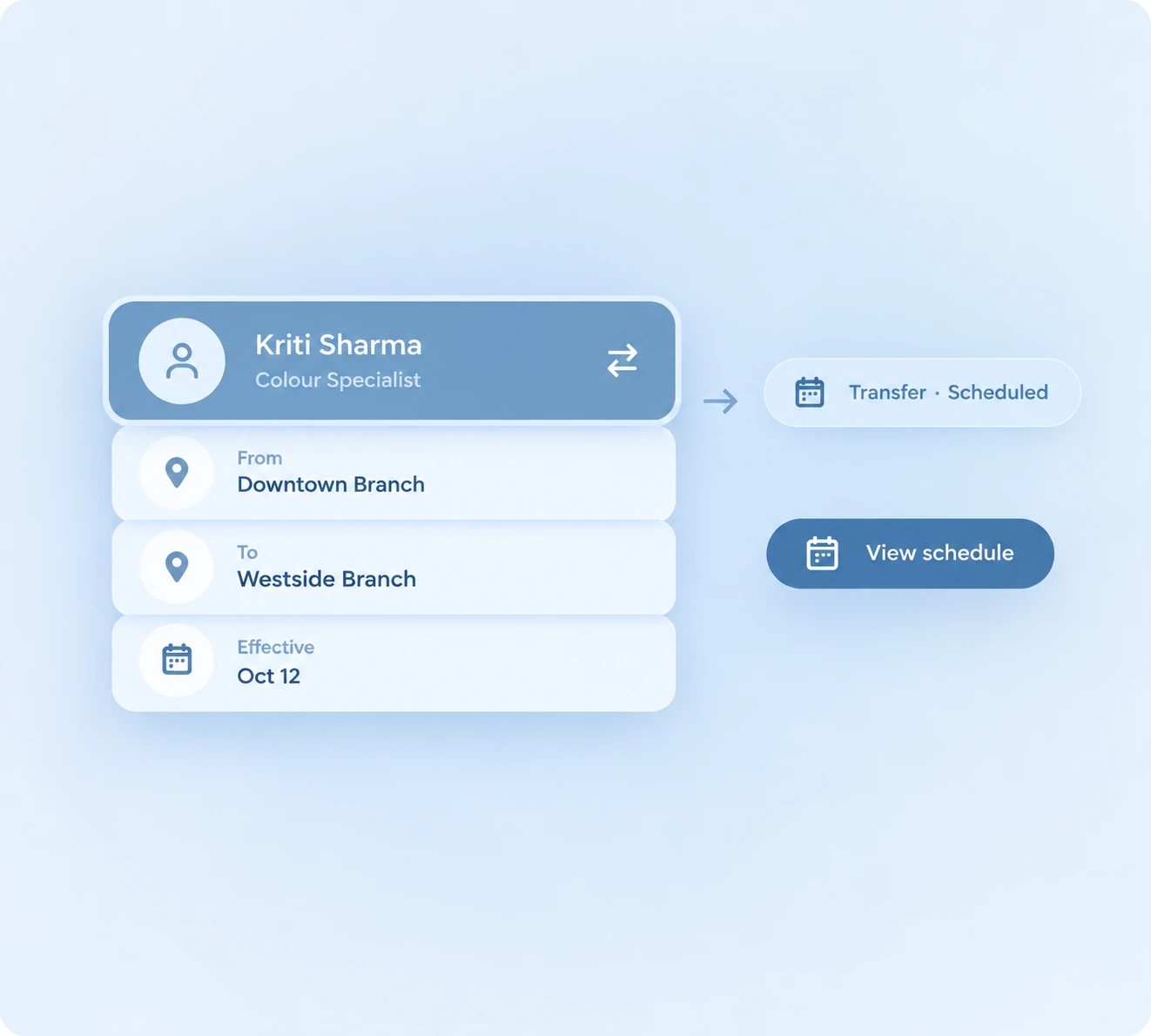
Transfers between branches
A therapist covering another branch for a week should be bookable there, and their work should still count toward their pay. Look for software that supports transfers rather than treating each branch as a separate list.
Attendance into payroll
Late arrivals, absences and commission affect pay. When attendance and bookings live together, payroll starts from real data. For the commission side, read how to calculate therapist commission and payroll in Nepal.
Who can see and change what
Owners, managers and front desk need different access. See role-based access.
Try it across branches
Try the free Zennly demo and see schedules, transfers and attendance on a multi-branch setup.
Common questions
What is staff scheduling software for a salon or spa?
It records when each stylist or therapist works and where, makes them bookable only when they are on shift, and links attendance to payroll.
Can staff move between branches?
Yes. Zennly supports staff transfers between branches, so a therapist can cover another location and still be bookable there.
Does scheduling connect to payroll?
Yes. Attendance and commission feed payroll, so month-end does not start from a blank spreadsheet.
Can different staff see different things?
Yes. Role-based access gives owners, managers and front desk the access each role needs.