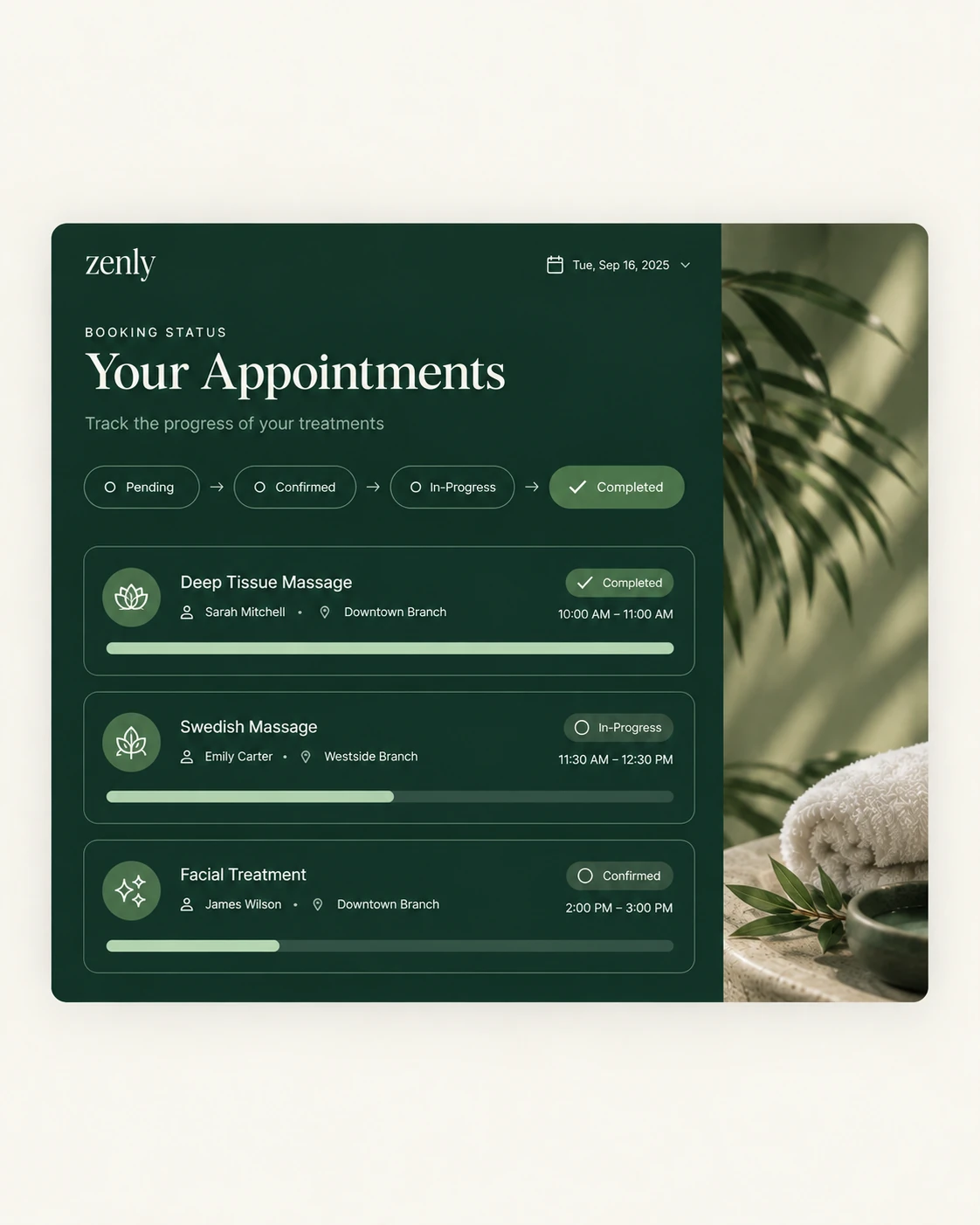
You can see staff performance without guessing when revenue, attendance and discounts are recorded per person and per branch as the work happens, then read in a single report.
The scene below is a typical one, not a single named customer.
The gut-feel review
It is review time. You believe one therapist is your best, but another brings in more repeat customers, and a third has been absent more than you remembered. Without records, you decide by feeling, and the team can tell.
Why it happens
- Bookings are not tied to a named staff member.
- Attendance and revenue are in different places.
- Discounts are not linked to the person who gave them.
How it is solved
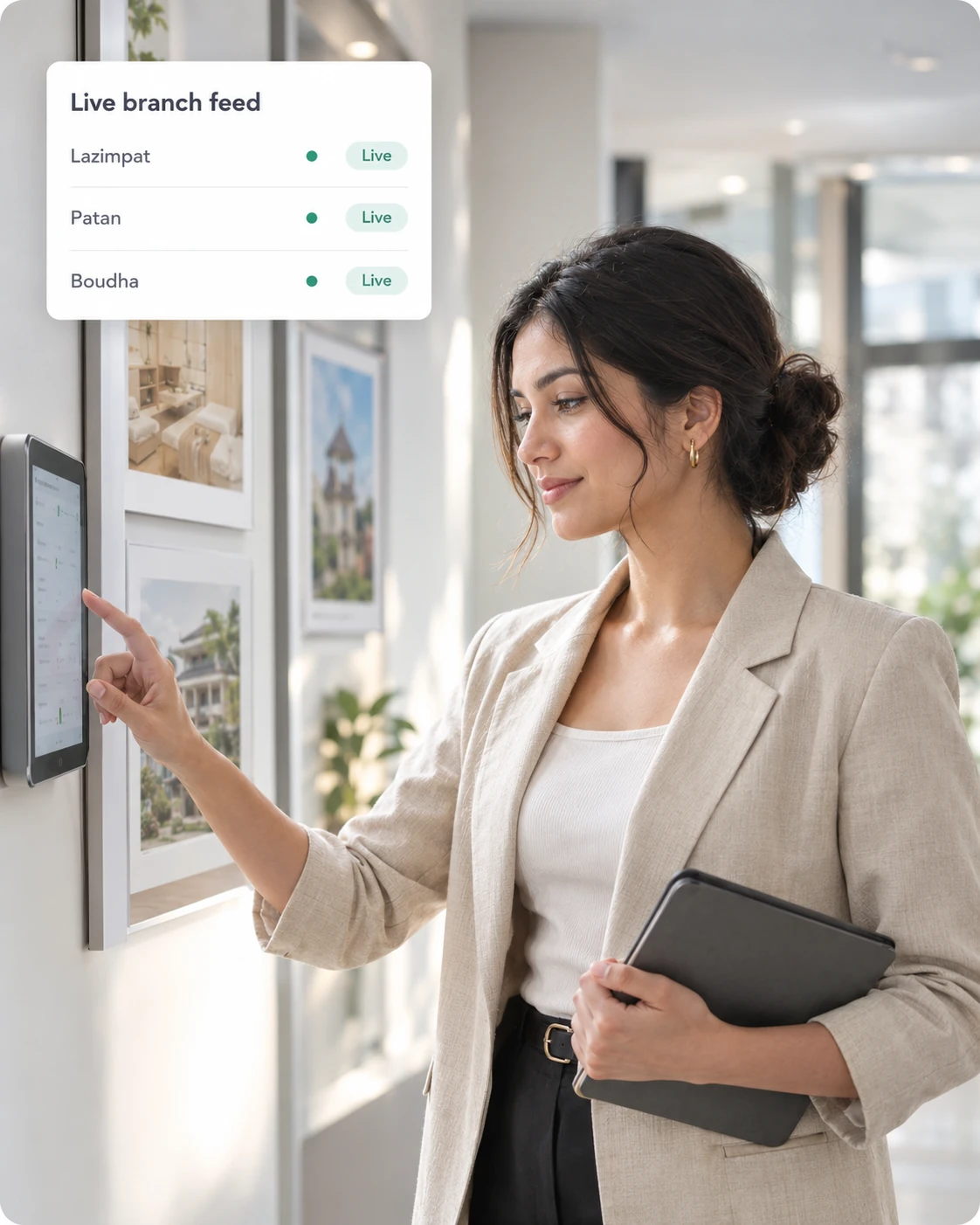
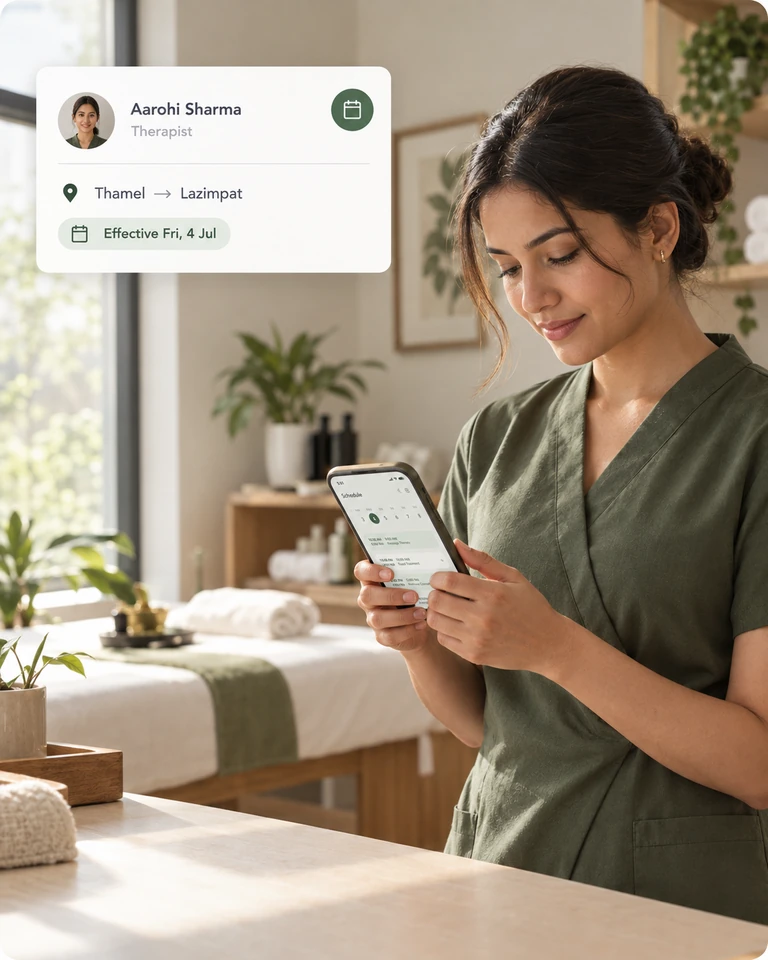
Every booking in Zennly belongs to a named staff member and a branch, and every discount is recorded with who requested and approved it. Reports cover revenue, staff performance, discounts, attendance and referrals across every branch. See the multi-branch dashboard for a live view.
Fairer reviews and pay
Because commission is calculated from completed, paid bookings, pay and reports tell the same story.
A quick fix you can start today
- Tie every booking to the named staff member who did it.
- Record attendance daily.
- Look at revenue, absences and discounts together once a month.
Read how to manage multiple branches, or try the free Zennly demo.
Common questions
How can I see which staff member earns the most?
Record every booking and payment against a named staff member. Reports then show revenue and performance per person and per branch.
What does Zennly report on?
Reports cover revenue, staff performance, discounts, attendance and referrals across every branch.
Can I compare branches?
Yes. Reports and the multi-branch dashboard show every branch in one place.
Does it help set commission fairly?
Commission is calculated from completed, paid bookings, so it follows the same records as the reports.