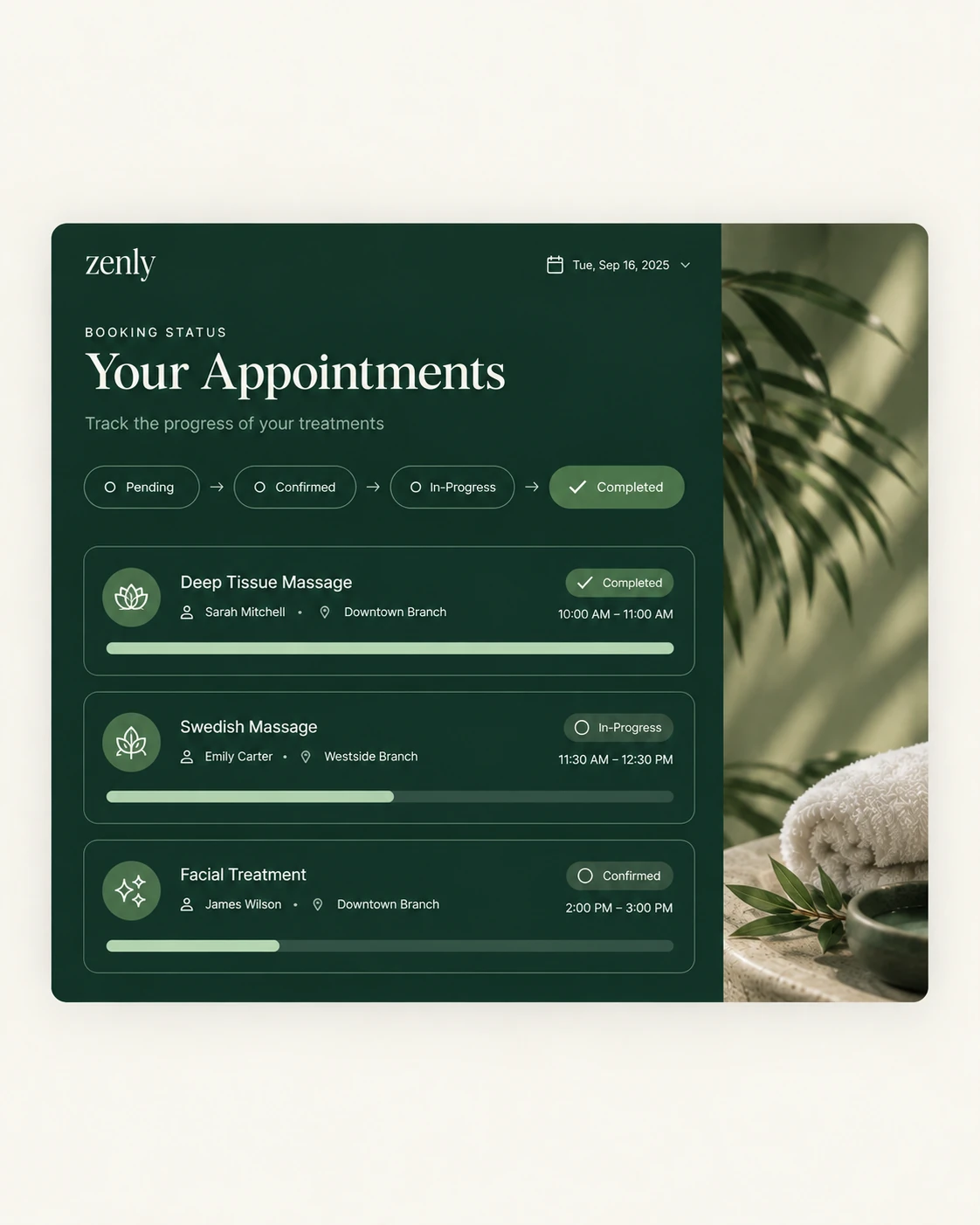

A branch stays covered when a therapist can be assigned to it for a date, and both branches see the change in advance, not on the morning itself.
The scene below is a typical one, not a single named customer.
The 9 am message
A therapist is unwell. The branch manager has four bookings that depend on her. She messages the other branch on WhatsApp, someone replies "maybe after lunch", and the front desk spends the morning rearranging customers by phone. Nobody is sure who is actually working where.
Why it happens
- The roster lives in a chat group or a paper sheet.
- Each branch only knows its own team.
- Cover is agreed verbally, so it is not in anybody's schedule.
How it is solved
With Zennly, a transfer is assigned to a specific therapist with a destination branch and date. Managers at both branches see incoming and outgoing specialists ahead of time, so the day is planned instead of patched. See staff scheduling and transfers.
Attendance and pay follow
Because attendance is recorded in the same system, payroll picks up absences per branch. There is no second spreadsheet to reconcile at month end. Read how to calculate therapist commission and payroll.
A quick fix you can start today
- Keep one roster that every branch can see.
- Write transfers down with the date and the destination branch.
- Check each affected booking and tell the customer early.
More in the staff scheduling guide, or try the free Zennly demo.
Common questions
How can a spa cover for an absent therapist?
Move a therapist from another branch for that date. The destination branch and date are recorded, so managers see incoming and outgoing cover in advance.
Does Zennly handle staff transfers between branches?
Yes. Transfers are assigned to a specific therapist, with a destination branch and date, so both branches see the cover ahead of time.
How do absences affect payroll?
Attendance feeds payroll, so absence deductions are calculated per branch from the same records, without a month-end spreadsheet.
Will customers still get the therapist they booked?
Bookings are tied to a named staff member. When cover changes, the team can see which bookings are affected and contact the customer.